
 ORDER ON WHATSAPP
★★★★★
“The team handled our sofa move carefully and arrived on time. The whole experience felt professional.”
Aisha M.
Furniture moving service


10000+ Happy Customers!
Lifetime Guarantee
Highest Quality
Material
Free & Fast
Shipping
Product material:
Material: ABS
Details:
Horizontal resolution :1080P
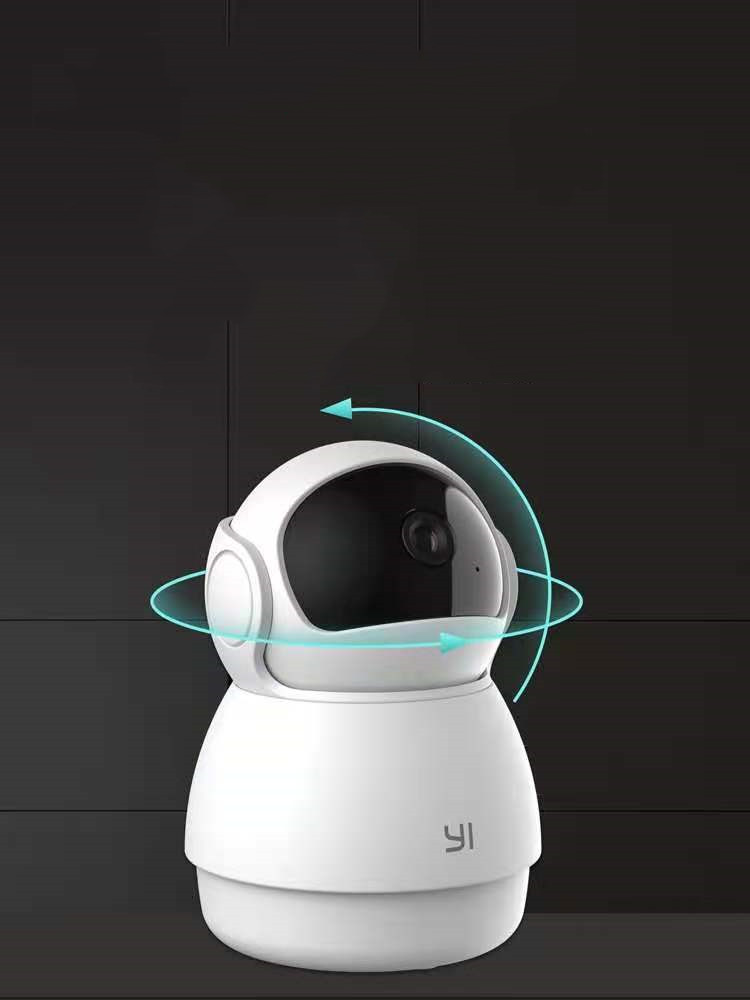
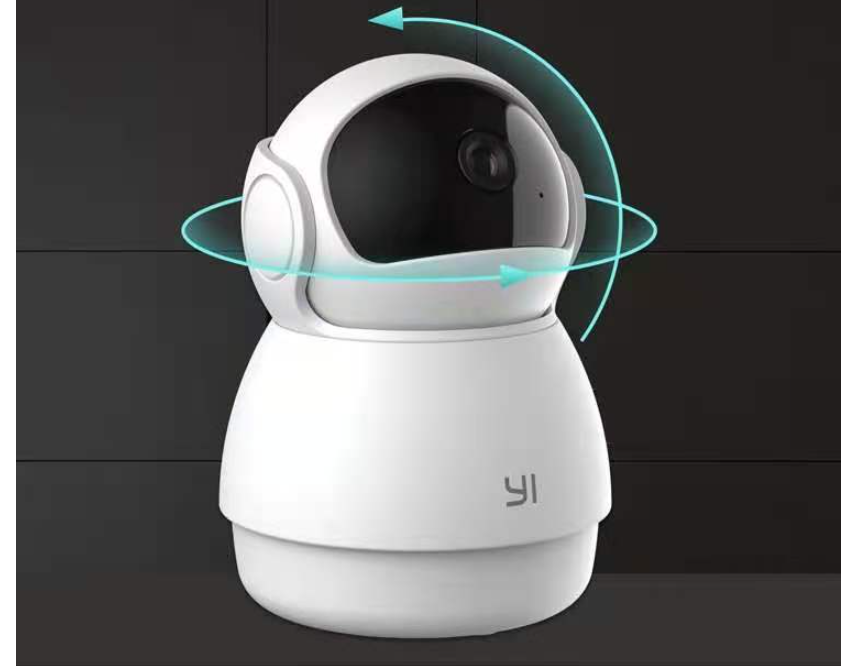
Function: panoramic monitoring, intelligent tracking, infrared night vision
Setting up your camera with the YI Home app
1. Install the YI home app and create a YI home account
2. Turn on your camera and click the icon on the top right corner of YI HOME app to add your camera
3. Select your Wi-Fi network and enter your Wi-Fi password, then select Connect to Wi-Fi
4.Scan the QR Code displayed on the app and then select next after the QR Code has scanned
5. Select save, then select start using to complete the pairing.
6. If the connection fails, press the reset button and try again.
Wi-Fi settings
1. YI home cameras will need to connect to a 2.4GHz band network. 5GHz WiFi band is not supported
2. Activate the location service on the phone if you encounter an unknown SSID problem
3. Encryption mode must be set to WPA / WPA2 (mixed mode) or WPA2
4. Your Wi-Fi password must be 8 to 20 characters long
Packing list
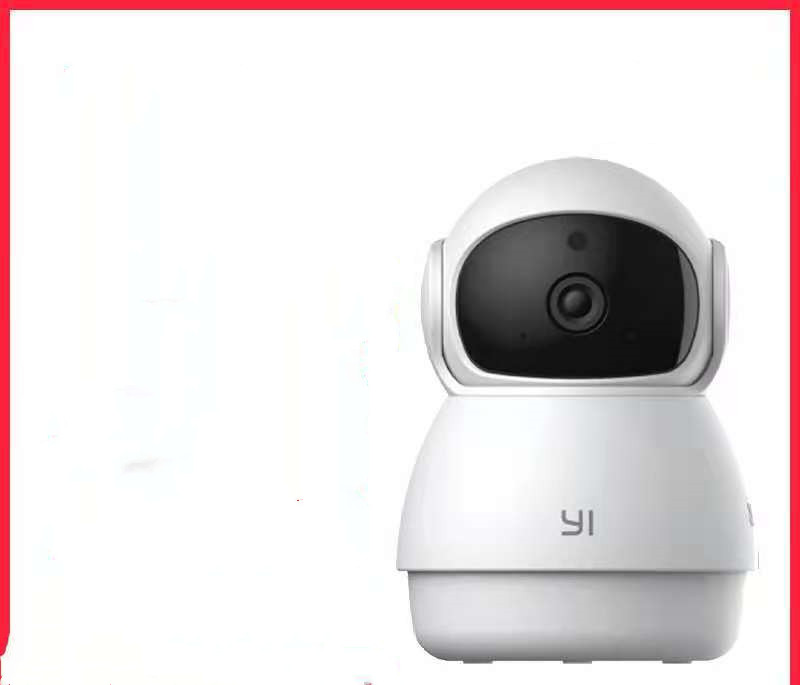
Camera X1
See it in action
Designed to make your life easier, with thoughtful details you can see in every use.
Loved across the UAE
Share genuine customer experiences from shoppers who chose your products and furniture-moving solutions.
“The team handled our sofa move carefully and arrived on time. The whole experience felt professional.”
Aisha M.
Furniture moving service
“Simple ordering, quality products, and helpful support. Everything arrived exactly as described.”
Omar K.
Home essentials
“The mover made shifting heavy furniture much easier. Strong, practical, and worth having at home.”
Sara R.
Moving accessories